
Problem it solves
There is no reliable way to see which AI is in use or to rank the risk exposure of each tool.









Continuously reduce AI threat exposure and cut response burden: discover, assess and govern the AI your employees already use.

Employees are already using AI tools, and most organizations have no reliable way to see which ones are running or to rank the risk exposure each one carries.
GravityZone AI Visibility and Control discovers the AI in use across the endpoints you manage, ranks the exposure each tool carries and gives you the evidence to decide what to allow, monitor or restrict.
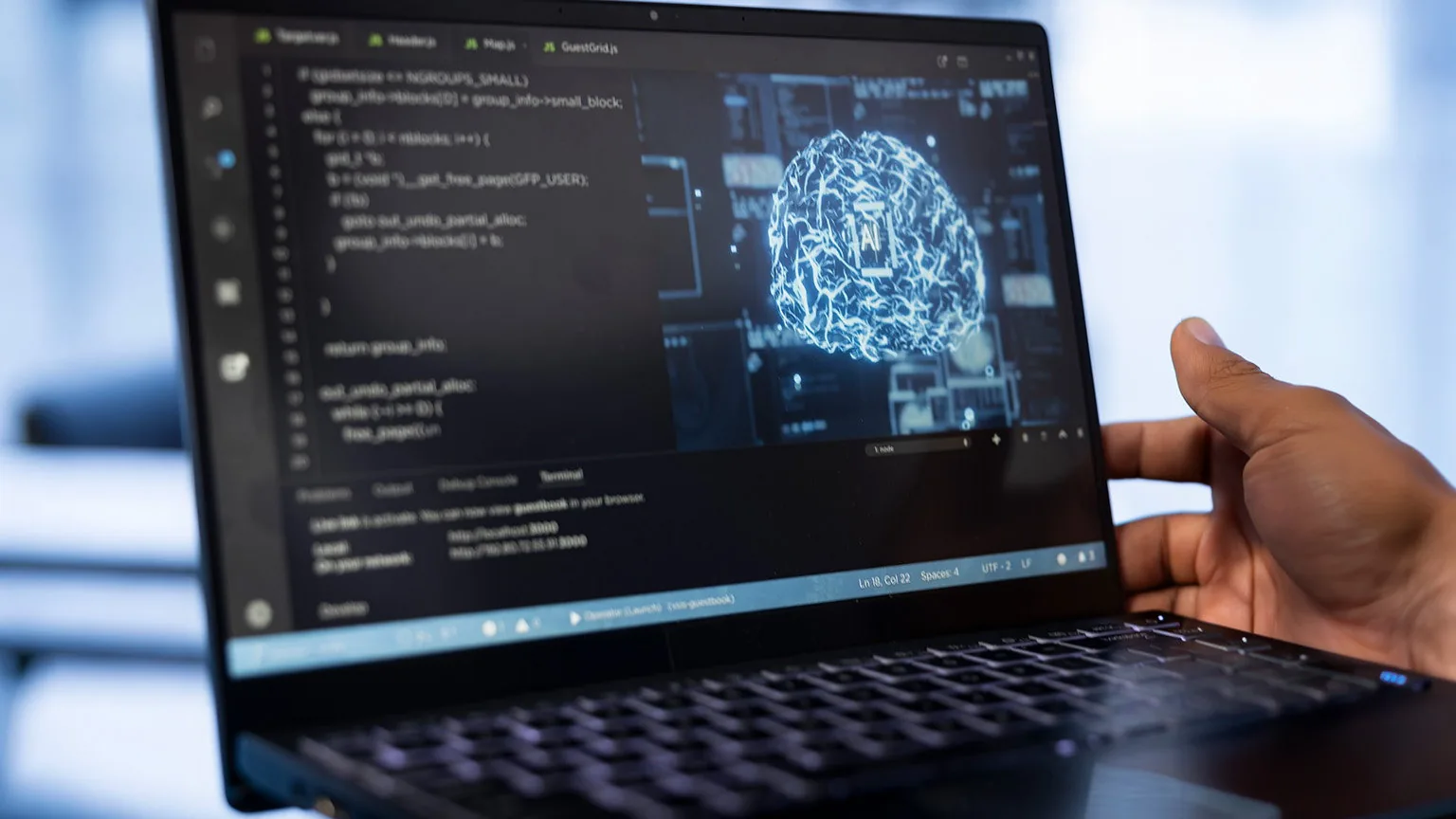
A centralized inventory discovers the AI in use across the endpoints you already manage and helps uncover shadow AI.
Every finding carries a risk score, its category, the services involved and the machines affected, so you can act on what matters.
Runs from the GravityZone agent already installed and uncovers tools that would not be detectable at the network level, such as local models.
Chatbots and public LLMs, local models and runtimes, agents, MCP clients and servers, coding assistants and browser and IDE extensions.
A finding carries enough to support a decision, without collecting prompt content or the data your people put into AI tools.
Act with the web filtering, application control and hardening controls already in your GravityZone console, with no separate tool to run.
A three-step flow that starts from the GravityZone agent already on your endpoints.

Findings carry enough context to support a decision without exposing what your people type.

Know what AI is present on your endpoints before deciding what to do about it.
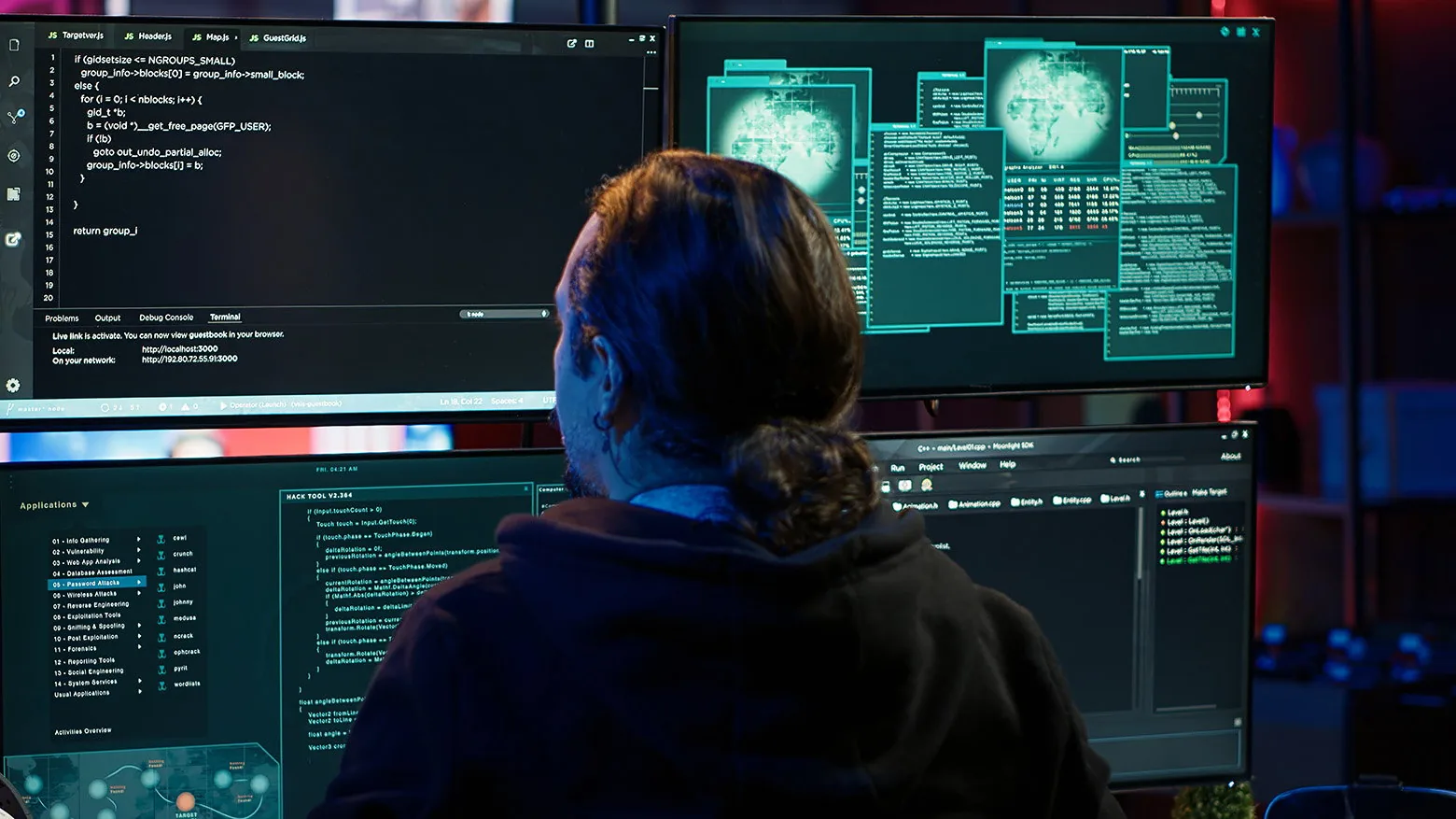
Blanket restrictions stop useful work and get routed around. GravityZone restricts only what creates real risk.

Secure your business's AI adoption to prevent data breaches.
Findings ranked by severity let lean teams act on what matters.
Govern AI with the controls already in GravityZone, with no separate tool added.
If your teams already use chatbots, coding assistants or agents and you have no inventory, this capability gives you visibility and evidence to decide what to allow, monitor or restrict.
There is no reliable way to see which AI is in use or to rank the risk exposure of each tool.
An AI inventory, findings by risk and severity, evidence with no prompt content and action through GravityZone controls.
Organizations with lean security teams whose employees already use AI and who need to govern it without adding another tool.
We activate the license, review the first inventory and configure the controls with your team.
We serve companies with local contact, remote or onsite delivery, and the same service standard in both countries.
In Costa Rica we activate GravityZone AI Visibility and Control on the agents you already have deployed, review the first AI inventory with your team and define what to allow, monitor or restrict. Support is handled in Spanish and in local hours.
Request assessmentIn Mexico we support the activation of GravityZone AI Visibility and Control from Mexico City: findings review, risk criteria and control policies with your security team. Support is handled in Spanish and in your own time zone.
Request assessmentTUTARI S.A. — Bitdefender Partner
It is an add-on to the GravityZone platform that discovers the AI in use across managed endpoints, ranks the exposure each tool carries and provides the evidence to decide what to allow, monitor or restrict. Discovery starts using the agents already deployed once the license is activated.
Most AI usage never crosses a network gateway in a recognizable form: local runtimes, editor coding assistants and MCP servers live on the endpoint, where GravityZone already runs. Where PHASR is also licensed, hardening treats an AI agent as an actor in its own right and narrows the risky access for each user and each agent to what they legitimately need.
TUTARI activates the capability, reviews the findings and risk criteria with your team and configures the GravityZone console controls to govern AI without blocking useful work.
Answers to the most common questions about our services
Request InformationRequest a GravityZone AI Visibility and Control demo with a TUTARI expert.
Request DemoPopular Products
Acronis Cyber Protect Cloud
 Microsoft 365
Bitdefender GravityZone
Microsoft 365
Bitdefender GravityZone
 Google Workspace
 Google Cloud Platform
 Red Hat Enterprise Linux
FortiGate
Red Hat Enterprise Linux
FortiGate
Featured Services